
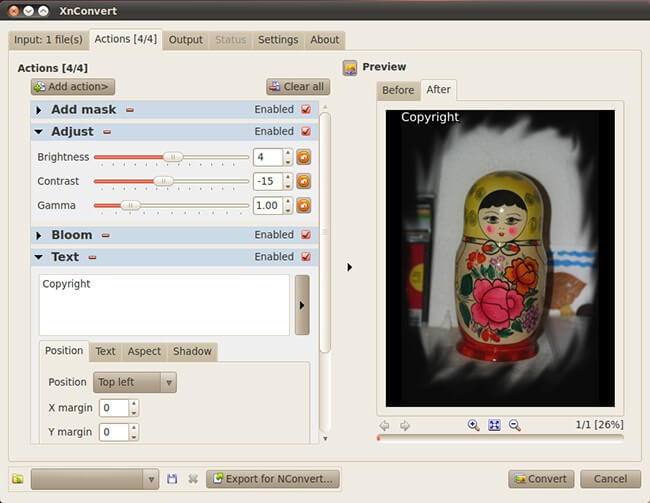
XnConvert is a fast, powerful and free cross-platform batch image converter. It allows to automate editing of your photo collections: you can rotate, convert and compress your images, photos and pictures easily, and apply over 80 actions (like resize, crop, color adjustments, filter, ...). All common picture and graphics formats are supported (JPEG, TIFF, PNG, GIF, WebP, PSD, JPEG2000, JPEG-XL, OpenEXR, camera RAW, HEIC, PDF, DNG, CR2). You can save and re-use your presets for another batch image conversion.

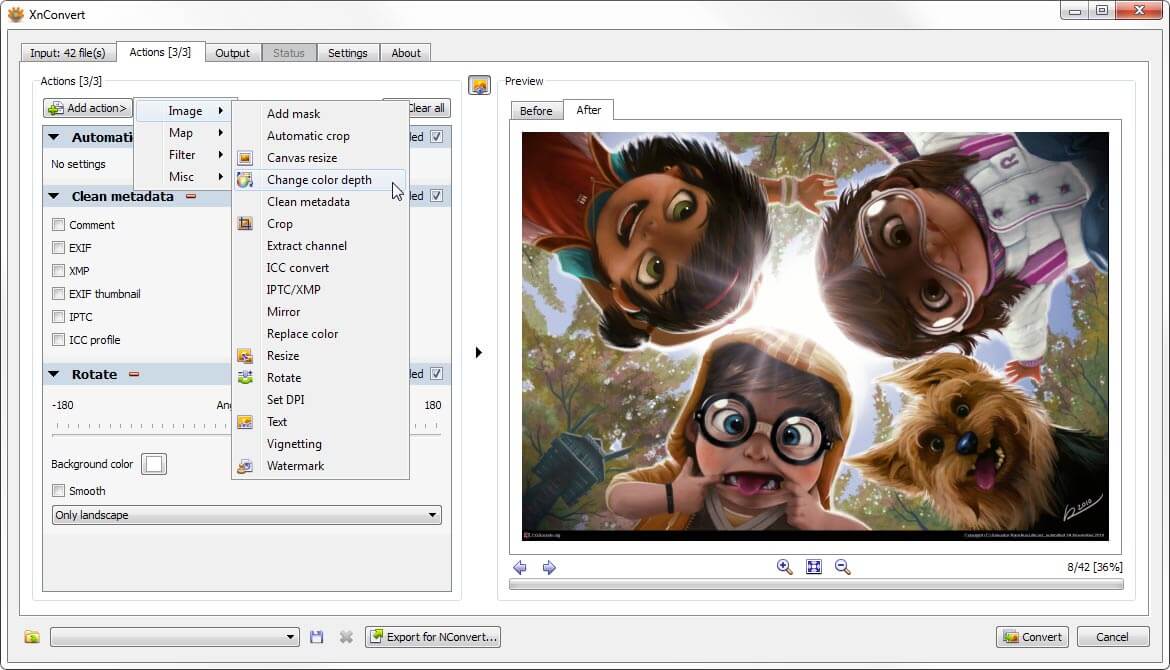
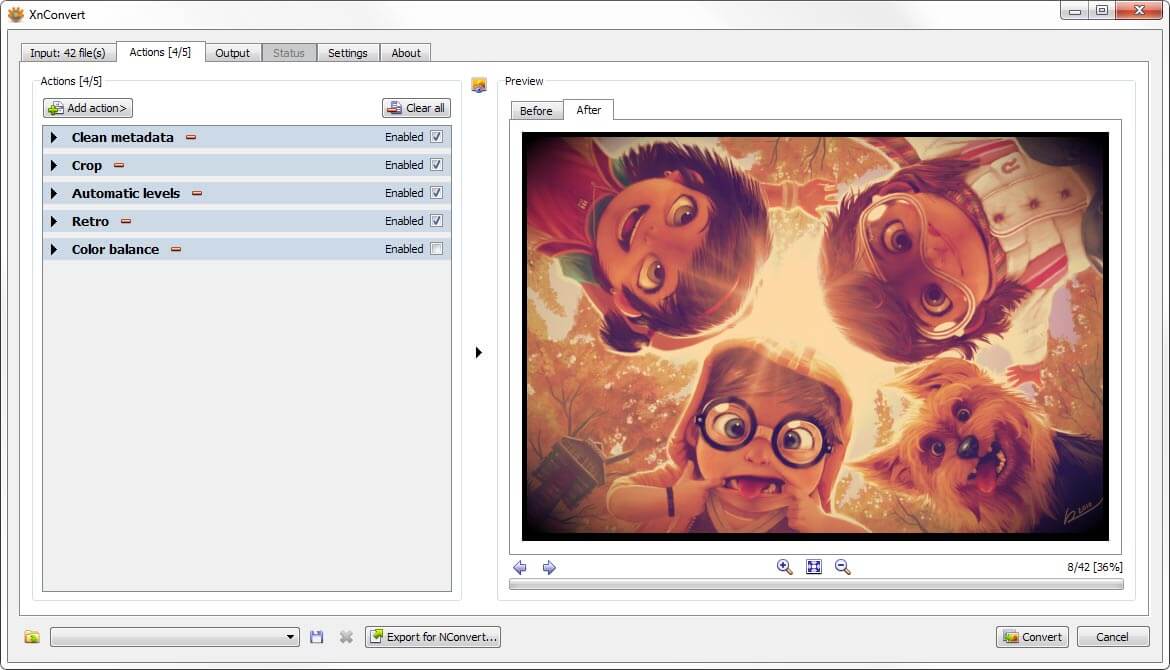
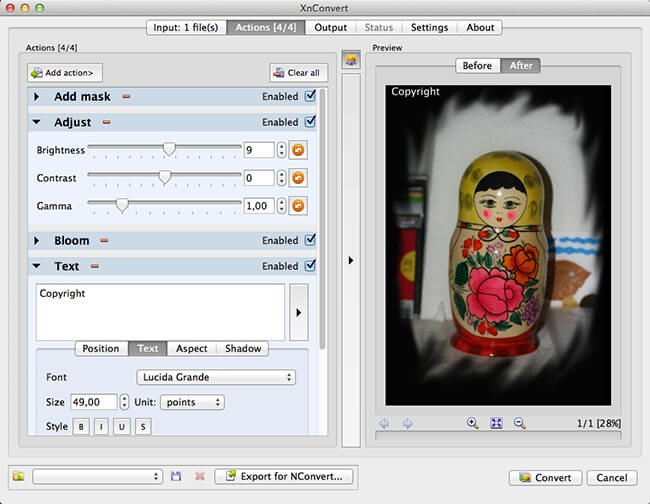
Combine and choose between more than 80 different operations including:
- Metadata Editing.
- Transforms: Rotate, Crop, Resize, ...
- Adjustments: Brightness, Contrast, Saturation, ...
- Filters: Blur, Emboss, Sharpen, ...
- Effects: Masking, Watermark, Vignetting, ...
- Watch folders for new or updated images and automatically apply a custom set of edits.
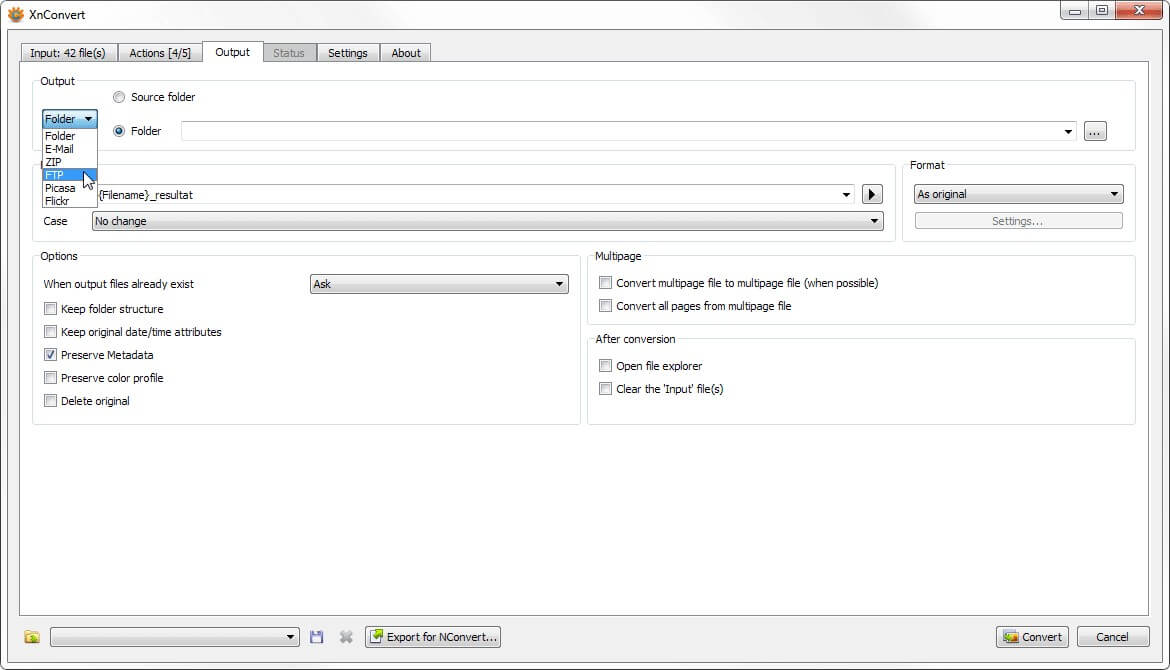
and seamlessly export to NConvert for a command line usage.
XnConvert is Multi-platform, it is available for Windows, Mac, and Linux for both 32-bit and 64-bit editions.
XnConvert is Multilingual, it includes more than 20 different translations.
It offers powerful features in an easy to use interface providing convenient drag & drop functionality.
XnConvert is compatible with more than 500 formats and Export to about 70 different file formats.
If you intend to use XnView in a company, you must purchase a license.
| N° of licenses | Price per license |
|---|---|
| 1 | 15.00 € |
| 2-9 | 13.50 € |
| 10-19 | 12.00 € |
| 20-49 | 10.50 € |
| 50-99 | 9 € |
| 100+ | 6.50 € |
Download XnConvert 1.100.1:
XnConvert is provided as FREEWARE (NO Adware, NO Spyware) for private or educational use (including non-profit organizations).
If you enjoy using XnView, Don't hesitate to help the developer with a small donation.
Windows 7/8/10/11

Linux
Changelog
Visit the Forum
The XnConvert forum is probably the best place to start interacting with other users and the developer.